 UNLIMITED
Unlimited Shipment Booking
High-volume booking, tracking and customer updates — subject to courier terms and capacity.
One connected business workspace
Bring sales, inventory, orders, customers and business insights together. CentralHub gives you a clearer view of your operations, across your business.
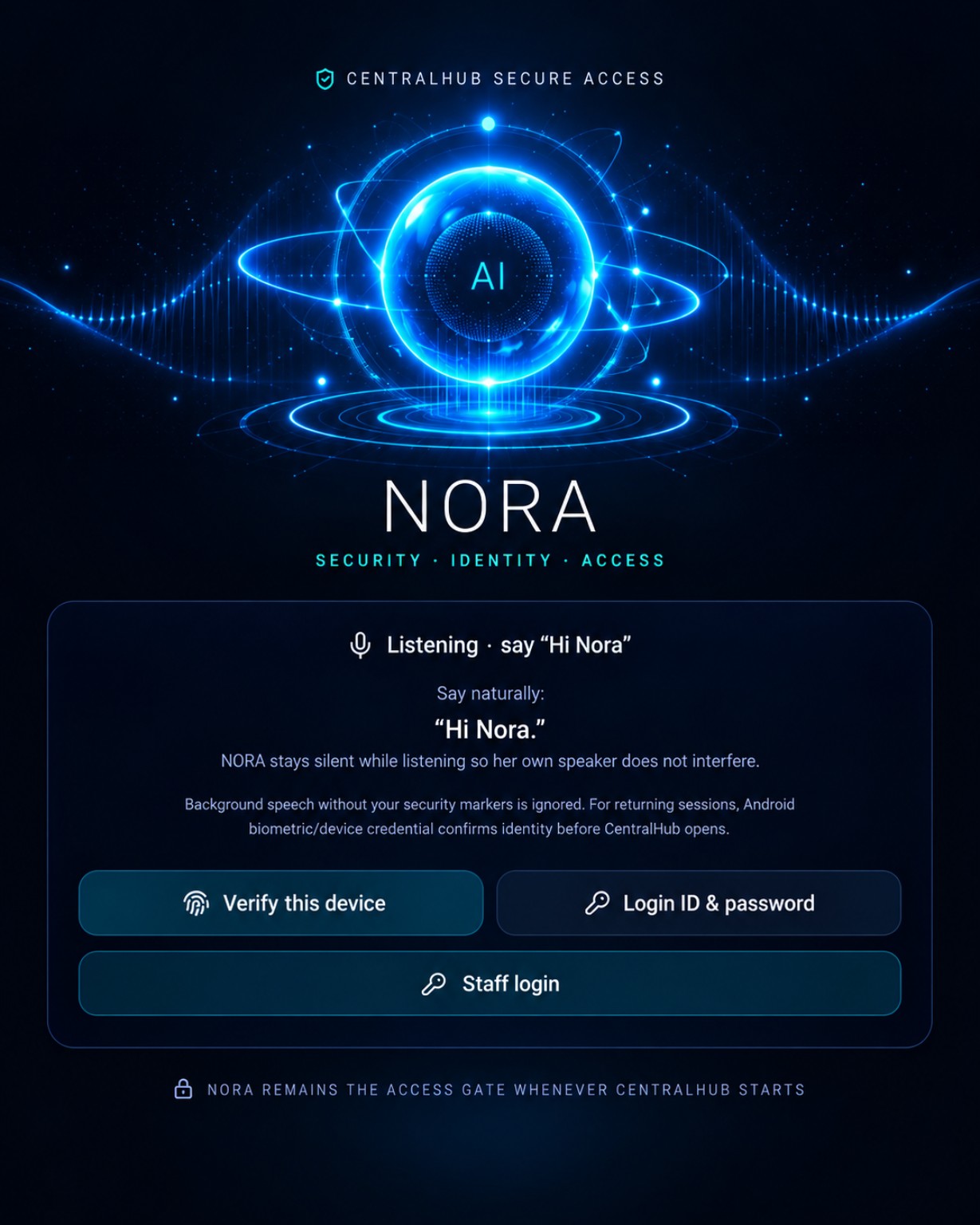
Approved NORA visual · illustrative preview. Sign in using the real button on this page.
Discover CentralHub capabilities
From order fulfilment and WhatsApp messaging to NORA, marketing, inventory, banking and accounting, explore the tools that bring your business operations together.
UNLIMITEDHigh-volume booking, tracking and customer updates — subject to courier terms and capacity.
 AI-POWERED
Integrated WhatsApp inbox and AI-assisted messages with appropriate review.
 VOICE
VOICEVoice-assisted picking with barcode and expiry management.
 NORA AI
Fast operational summaries and intelligent assistance across connected workflows.
The complete feature range
UNLIMITEDShipment booking at scale; actual booking volume, rates and carrier restrictions depend on your courier contract.
Explore sample workflowsWHATSAPPManage configured WhatsApp Business conversations from CentralHub's customer-care inbox.
Explore sample workflowsAI ASSISTEDAssist with customer replies and messaging workflows, with appropriate setup, permissions and human review.
Explore sample workflowsVOICE PICKINGSupport warehouse pickers with spoken instructions, voice commands and picking progress.
Explore sample workflows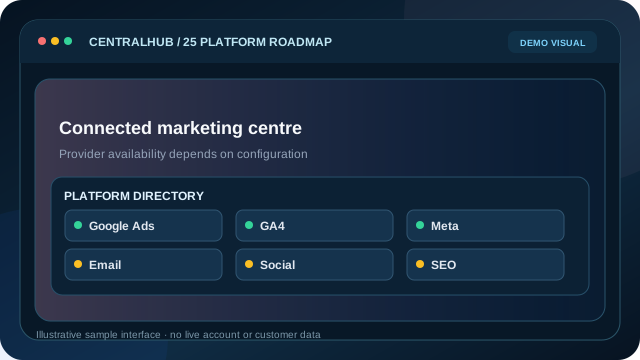 25-PLATFORM ROADMAP
A 25-platform integration roadmap; verified live marketing API modules currently centre on Google and Meta.
Explore sample workflows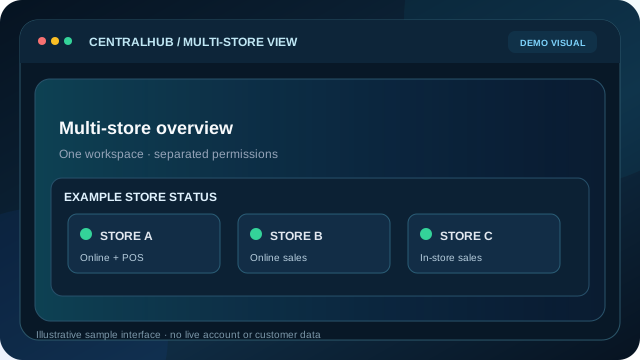 MULTI-STORE
Connect multiple stores while preserving store-level permissions, reporting and operational visibility.
Explore sample workflowsNORA AIAsk NORA for operational summaries and quick insights when relevant connected data is available.
Explore sample workflows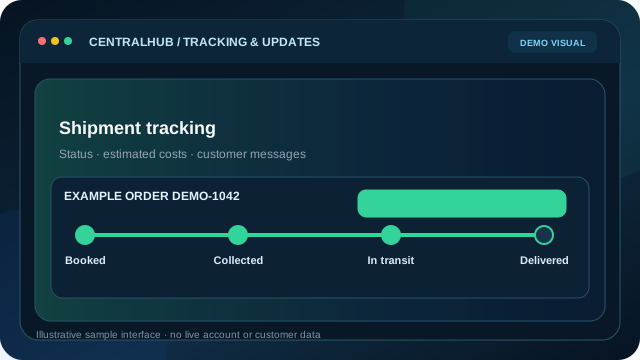 LIVE UPDATES
Monitor tracking and shipping costs, with customer notifications through configured courier and messaging services.
Explore sample workflows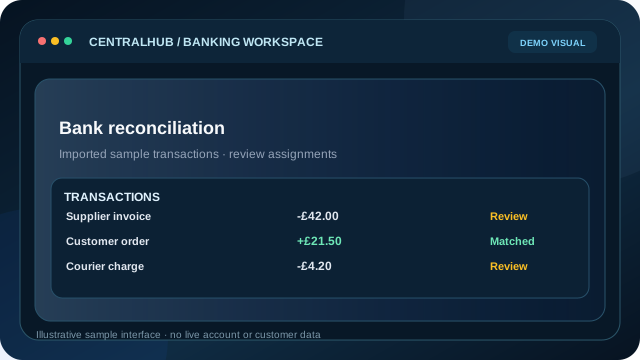 BANKING
Import statements or connect supported banking sources to review transactions and reconciliation.
Explore sample workflows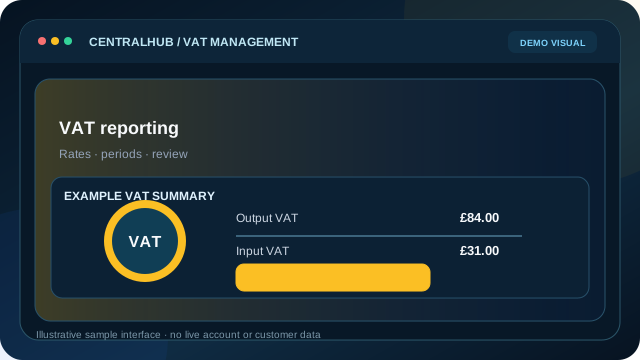 VAT
VATOrganise VAT-related transactions, reporting and checks, with final filings subject to accountant review.
Explore sample workflows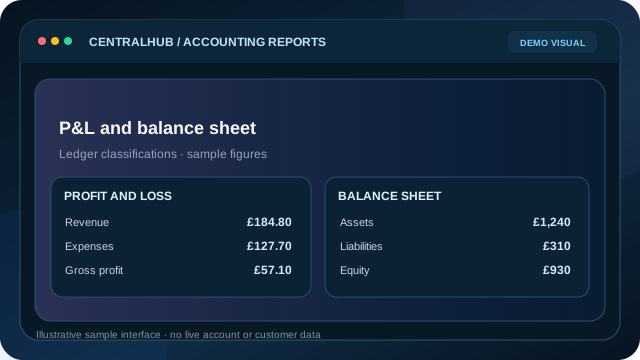 P&L + BALANCE SHEET
Review the chart of accounts, ledgers, profit and loss, and balance-sheet-related reporting.
Explore sample workflows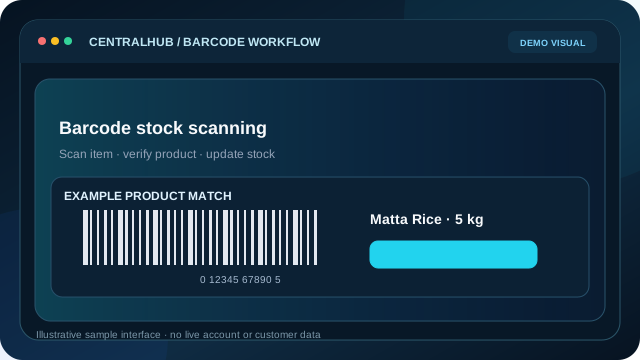 BARCODE
Scan product barcodes to support stock lookup, goods receiving and picking accuracy.
Explore sample workflows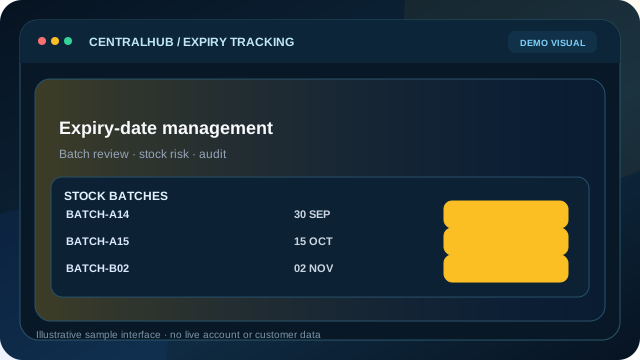 EXPIRY ALERTS
Track expiry dates and batches so stock needing attention is easier to identify.
Explore sample workflows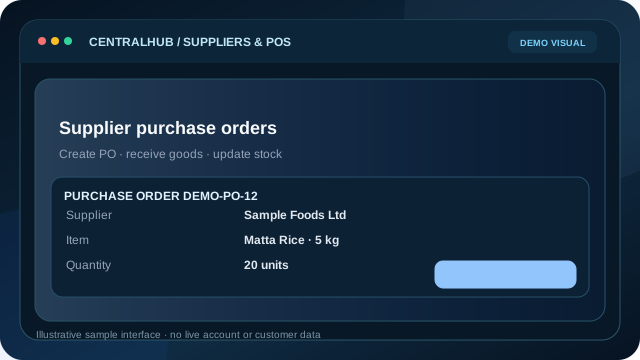 SUPPLIERS + PO
Organise suppliers, purchasing plans, purchase orders and goods-received workflows.
Explore sample workflows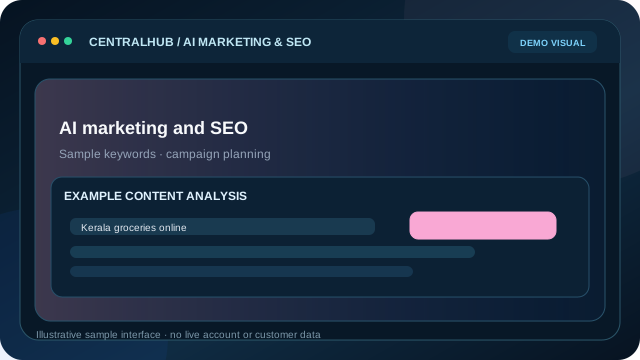 AI MARKETING
Support campaign and product-content creation with AI assistance and human approval.
Explore sample workflows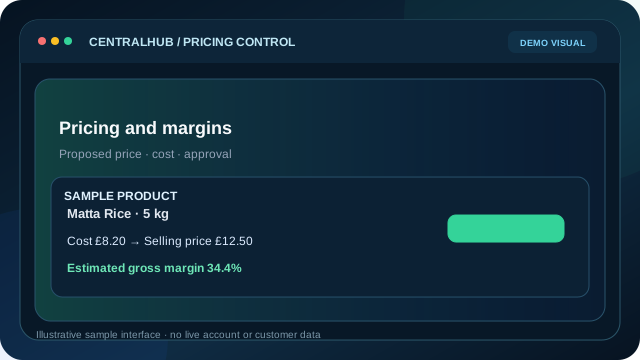 PRICING
Analyse costs, margins and competitor signals with controlled pricing approvals.
Explore sample workflows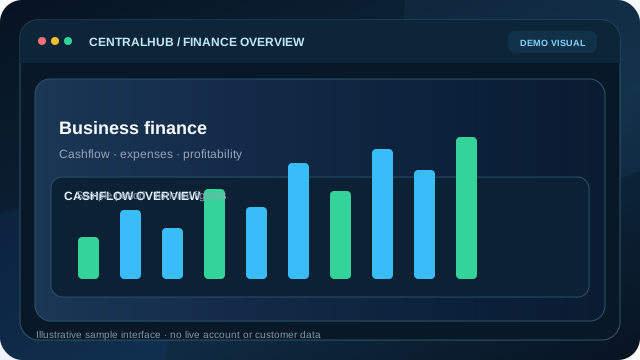 FINANCE
Bring expenses, cashflow, invoices, supplier payables and profitability into one workspace.
Explore sample workflowsFeature visuals are illustrative promotional images and sample UI previews, not verified screenshots of active integrations or real customer information. The featured photos use the user-provided individual source images at native resolution; other modules use fictional demo visuals.
Availability & service limits
“Unlimited shipment booking” describes a high-volume booking workflow, not unlimited courier capacity or free shipments; actual bookings, charges and service limits depend on the carrier contract. The 25-platform marketing figure is an integration roadmap, not 25 verified live connections; live provider implementations currently focus on Google and Meta. Messaging, banking, customer updates and AI features require applicable accounts, permissions and configuration. Financial outputs may require professional review. Public demos use fictional data.
Explore the platform
Choose a business area to explore CentralHub's connected capabilities. Access to particular features and third-party services depends on your configuration and permissions.
Command Centre / CentralHub
Explore a connected view of stores, sales, orders, stock, alerts and performance.
Sales, activity and key operations at a glance.
Order queue and synchronisation activity.
Security and site-health signals.
Trends and operational reports.
Illustrative product overview. No customer information or real-time business records are displayed.
Hands-on product demonstration
Create a sample sale, move it through fulfilment, see stock and revenue change, then explore the connected modules. Every action runs on invented demo data in your browser.
CentralHub Demo
Sample Shop · fictional business
Example daily sales
£184.80
Example daily orders
12
Sample stock units
52
Illustrative gross profit
£57.10
The demo starts with 12 example orders and 3 sample products. Create a new order and see revenue, stock and fulfilment change together.
Sample orders created: 0
Products needing replenishment: 0
Orders still in fulfilment: 0
Inside the actual CentralHub application
Tour the real CentralHub feature areas, from WhatsApp and marketing integrations to fulfilment, finance and NORA. Screenshots appear here only after they have been captured from the actual application and approved for public display with fictional or redacted data.
Customer Care / Channels and Inbox
See customer conversations alongside operational context.
CentralHub has customer-care channel configuration, a support inbox and automation workflows. Connections are store-scoped and require authorised provider setup.
How it works in CentralHub
Supported integrations may require third-party authorisation, account permissions and configuration. The public tour does not access any private store data.
Illustrative workspace preview
Fictional preview · not a screenshotCustomer Care / Channels and Inbox
A fictional walkthrough of this business area. No real account, customer record or provider is connected.
Connect an approved store messaging channel.
Review conversations and support tickets in the inbox.
Illustrative interface only. Actual application screenshots will appear here only after privacy review.
Open the full interactive demoFictional previews never access real accounts. Captured application screens are only published after private data and credentials have been removed and reviewed.
Tax & compliance integrations · in development
CentralHub includes VAT management views. HMRC Making Tax Digital VAT authorisation, return retrieval and live submission have not been verified as available. An application-only sandbox diagnostic is not HMRC production approval.
In development · sandbox application testing only. Live VAT filing is not available.
Planned integrations · separate HMRC developer testing and authorisation required.
Read-only Companies House sandbox diagnostics are planned; live filing is not available.
Business Rates and Customs Duty / Import VAT are also planned as separate, service-specific modules. No council payment, customs declaration or live tax submission is enabled.
Read the tax integration statusHow CentralHub works
Bring the stores and workflows you manage into one place.
Work with orders, stock, products and customers from one workspace.
Review connected insights to understand what needs attention.
Private business workspace
Your operational dashboard and business information stay behind your existing secure sign-in.